![hdr_logo.png]](https://go.ninesliving.com/hs-fs/hubfs/j1640189779864/hdr_logo.png?height=40&name=hdr_logo.png)
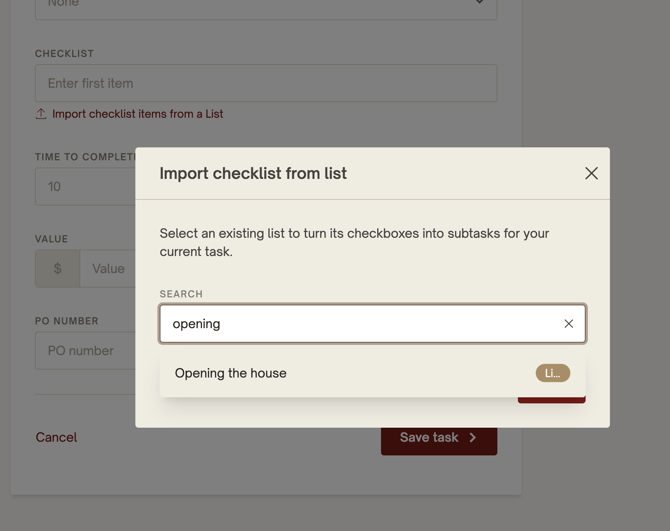
If your List contains a collection of to-do items that need to be completed by a certain due date, assigned to a user, or used on a recurring basis, you can easily import that List into a Task as a checklist. Within the Task, navigate to the Checklist section and select “Import checklist items from a List.” From there, search for and select the desired List to automatically populate the Task checklist with all List items. Once imported, the checklist inside the Task is independent from the original List, allowing the same List to be reused repeatedly for future Tasks and workflows. Please note that a maximum of 250 checklist items can be added to a Task.
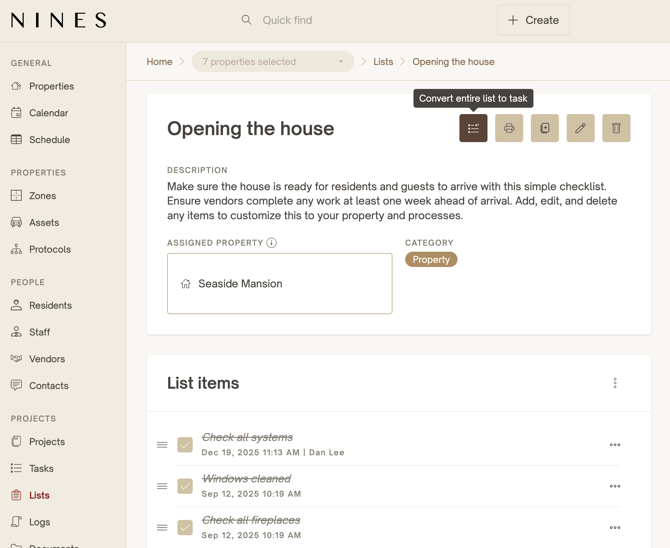
You can also accomplish this directly from the List itself. Open any List and use the option to Convert Entire List to Task to instantly create a new Task with all List items included as checklist items. This provides two flexible ways to turn Lists into actionable workflows: either by importing a List into an existing Task or by converting the entire List into a brand-new Task in a single step.