![hdr_logo.png]](https://go.ninesliving.com/hs-fs/hubfs/j1640189779864/hdr_logo.png?height=40&name=hdr_logo.png)
Note: AI features must be enabled by an account administrator. If you do not see the AI option, contact your admin.
AI-Powered Tasks help you automatically generate maintenance and care tasks for any asset in Nines. Instead of manually building recurring tasks from scratch, AI provides structured suggestions tailored to the asset type.
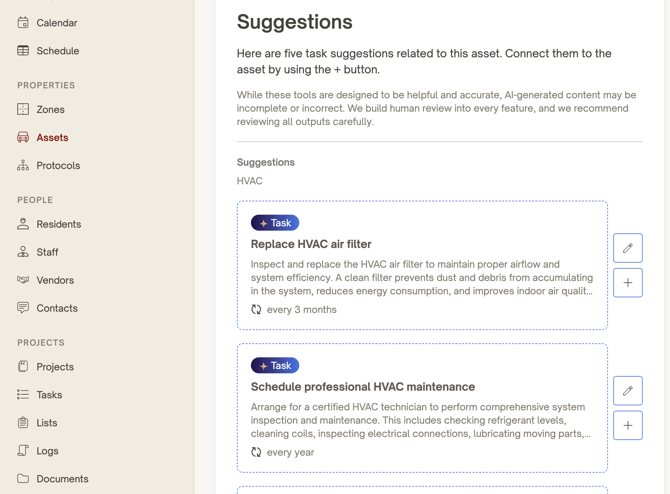
How It Works
-
Add or Open an Asset
Navigate to the Asset you want to manage. -
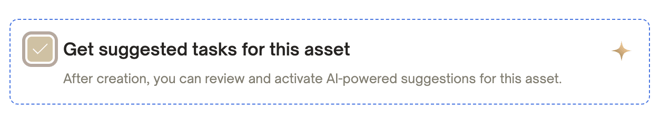
Generate AI Task Suggestions
Click the option to generate AI-powered tasks.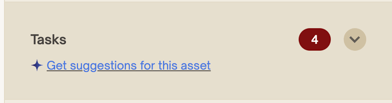
-
Review Suggested Tasks
Nines will propose maintenance or care tasks relevant to that asset type. -
Customize Before Saving
You can:-
Assign the task to a team member
-
Set frequency (one-time or recurring)
-
Edit instructions or descriptions
-
Adjust due dates
-
-
Save
Once confirmed, tasks are created and linked directly to the asset.