![hdr_logo.png]](https://go.ninesliving.com/hs-fs/hubfs/j1640189779864/hdr_logo.png?height=40&name=hdr_logo.png)
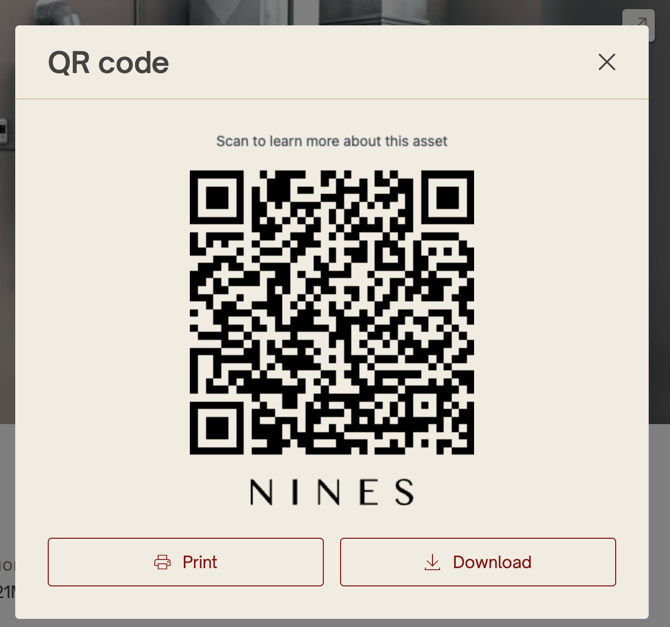
Every Asset in Nines has its own unique QR code. When scanned, the QR code takes users directly to that Asset's detail page, making it easy to identify and access the correct information while on-site.
QR codes can be used for virtually any Asset, including appliances, HVAC systems, generators, artwork, equipment, vehicles, or even storage racks.
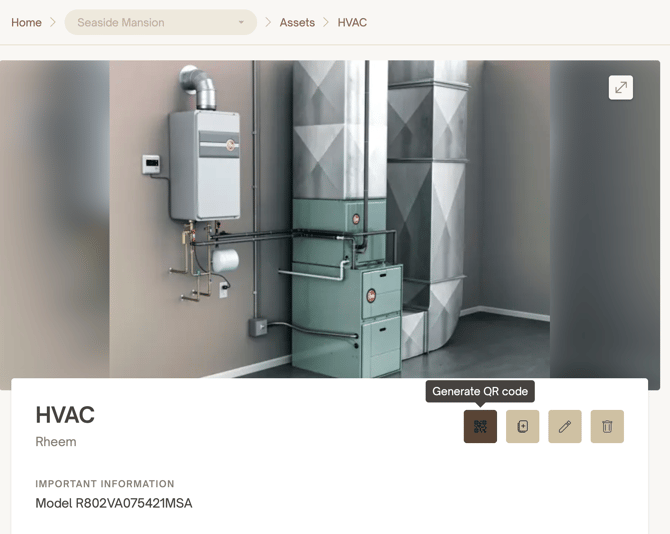
Downloading or printing a QR code
From an Asset's detail page on desktop, click the QR Code icon in the top-right corner (next to the Duplicate, Edit, and Delete icons). From there, you can download or print the Asset's QR code.
What happens when someone scans a QR code?Note: Downloading and printing QR codes is currently available on desktop only. Mobile support for downloading is coming soon. QR codes can be scanned with any smartphone camera—no additional app is required.
Scanning an Asset's QR code opens that Asset directly in Nines.
- If the user is already signed in, they'll be taken straight to the Asset.
- If they're not signed in, they'll be prompted to log in first.
- Only users with access to your Nines account can view the Asset.
QR codes always respect your account's permissions. If someone scans a QR code but doesn't have permission to view that Asset, they'll see a message indicating the information isn't available. This allows you to place QR codes throughout a property without exposing sensitive information to unauthorized users.
Ideas for using Asset QR codes
Mechanical systems and appliances
Place QR codes on HVAC units, boilers, generators, water heaters, appliances, and other equipment so staff or service providers can instantly access:
- Service history
- Manuals
- Warranty information
- Connected vendors
- Maintenance logs
Artwork and valuables
Attach a QR code to the back of a frame, inside a display case, or in a secure location to provide quick access to:
- Provenance
- Insurance documentation
- Care and handling instructions
- Appraisals
- Restoration history
Equipment and storage areas
Label equipment, storage racks, garages, workshops, or tack rooms with QR codes so staff can quickly identify Assets, understand where items belong, and review maintenance procedures or related documentation.
Utility and infrastructure
Use QR codes for electrical panels, irrigation systems, water shutoffs, pumps, security equipment, and other critical infrastructure to make emergency procedures, operating instructions, and maintenance records immediately accessible.
Vehicles and machinery
Apply QR codes to vehicles, tractors, golf carts, boats, and other equipment so users can quickly find maintenance schedules, registration documents, insurance information, service records, and operating instructions.
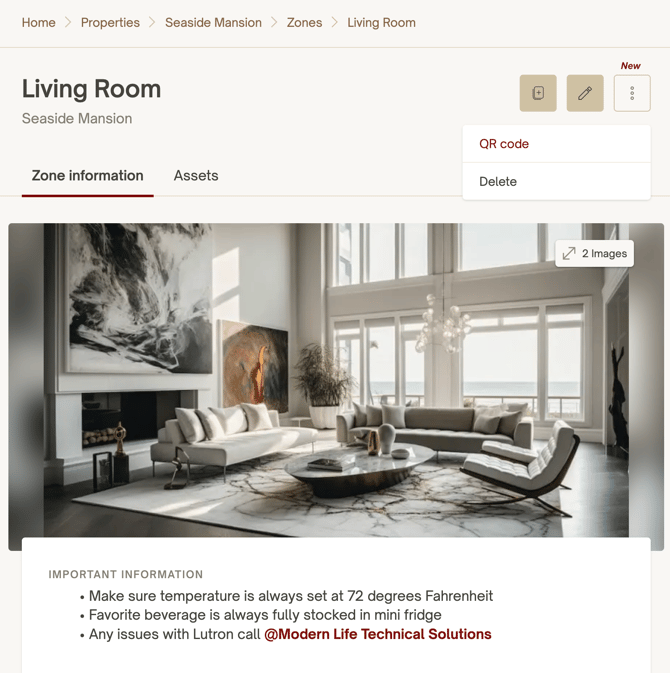
Note: QR codes can now also be download on Zone and List pages.